Keep a journal of every game you play
A video game journal records what you played, when, for how long and what you thought. How to keep one with playedby.me, from logging a game to your backlog.
On this page
A video game journal is a record of what you played, when you played it, how long it took and what you thought. A backlog tells you what you might play next. A journal tells you what you actually did, and years later it is the part you are glad you kept.
playedby.me is built around that idea. Every game you log becomes an entry in your journal, and your library, stats and profile all come from those entries.
What goes into an entry
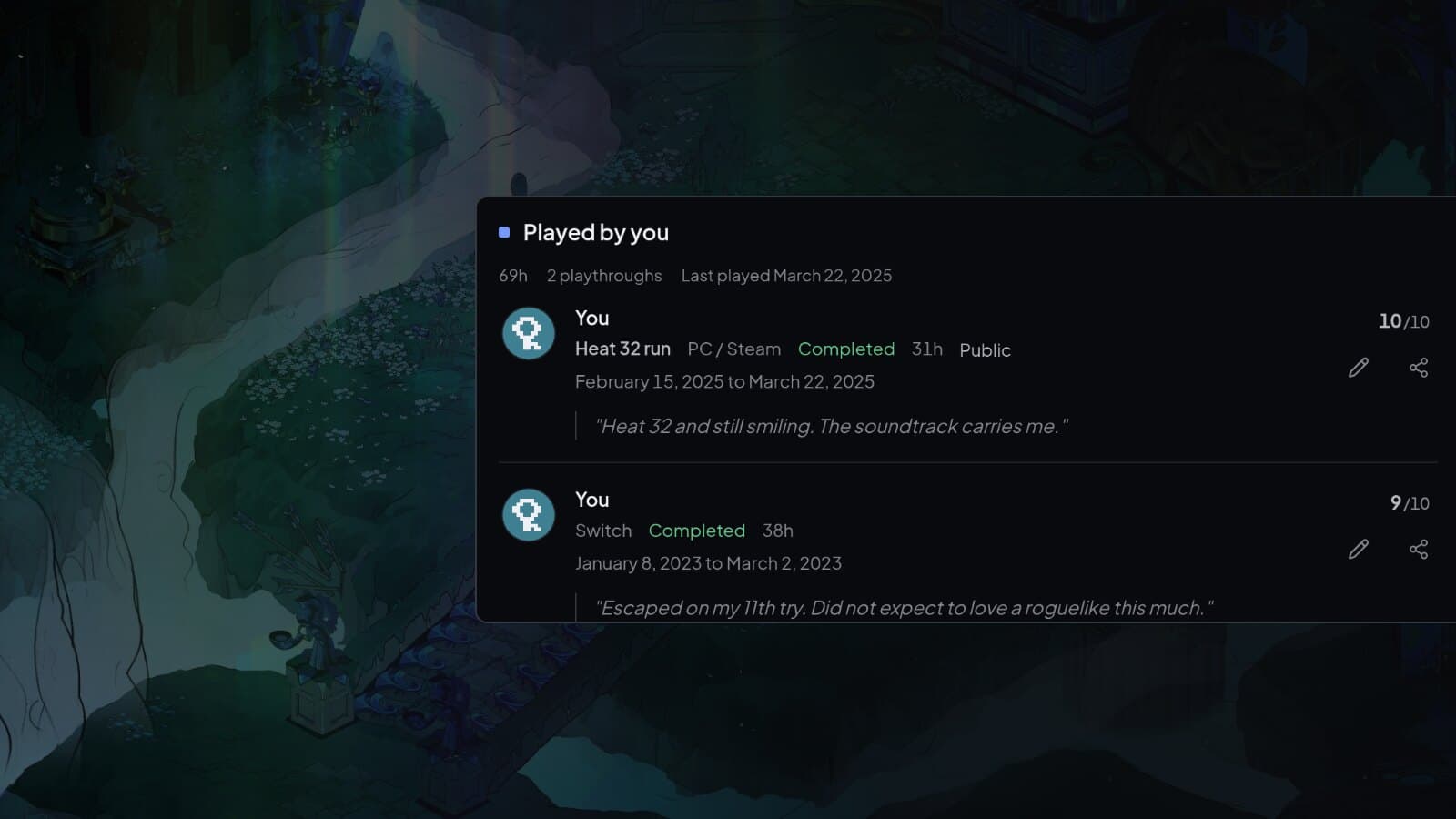
Each entry is a playthrough: one run of a game. It can hold the platform and where you played it, the dates you started and finished, your hours, whether you completed it, a rating out of 10 and your notes. Only the game is required. Add as much or as little as you like, and fill in the rest later.
Notes are shared with your group by default. Turn on Public and a note becomes a review anyone can read on the game's page, and you can mark notes as spoilers so others have to tap to see them.
Log as you go
Select Log, search for the game and choose what you are doing: Playing when you start, Played when you are done, or Add to backlog for later. Starting a game sets today as the start date, so all you need to do when you finish is come back and mark it as played.
Played opens a short form for your rating, the end date, hours and notes. Add more shows the status, platform and play mode.
Read it back
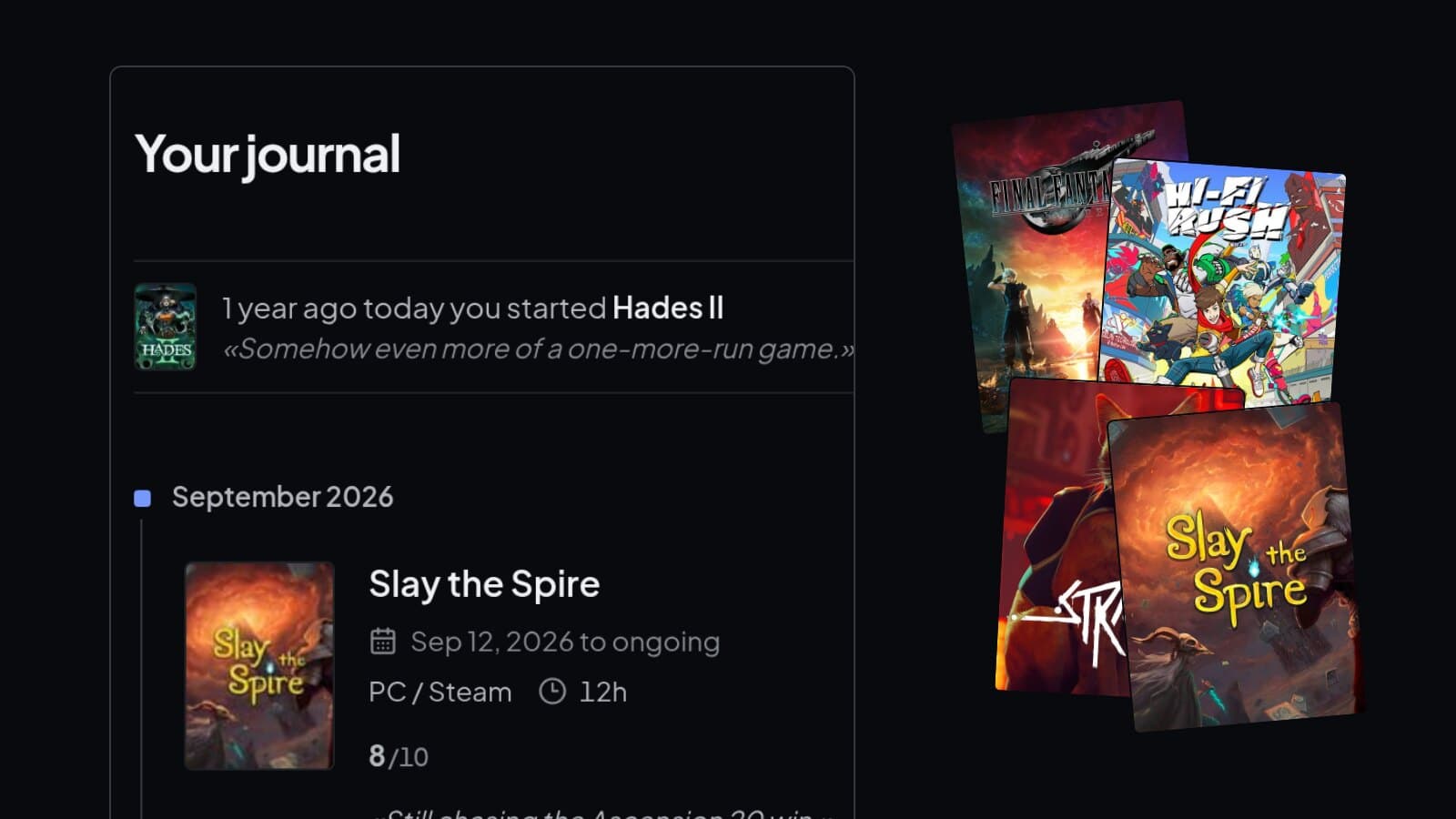
Your journal lists every playthrough by month, newest first, with the dates, hours, status, rating and note. Now and then it reminds you what you were playing on this day a year ago.
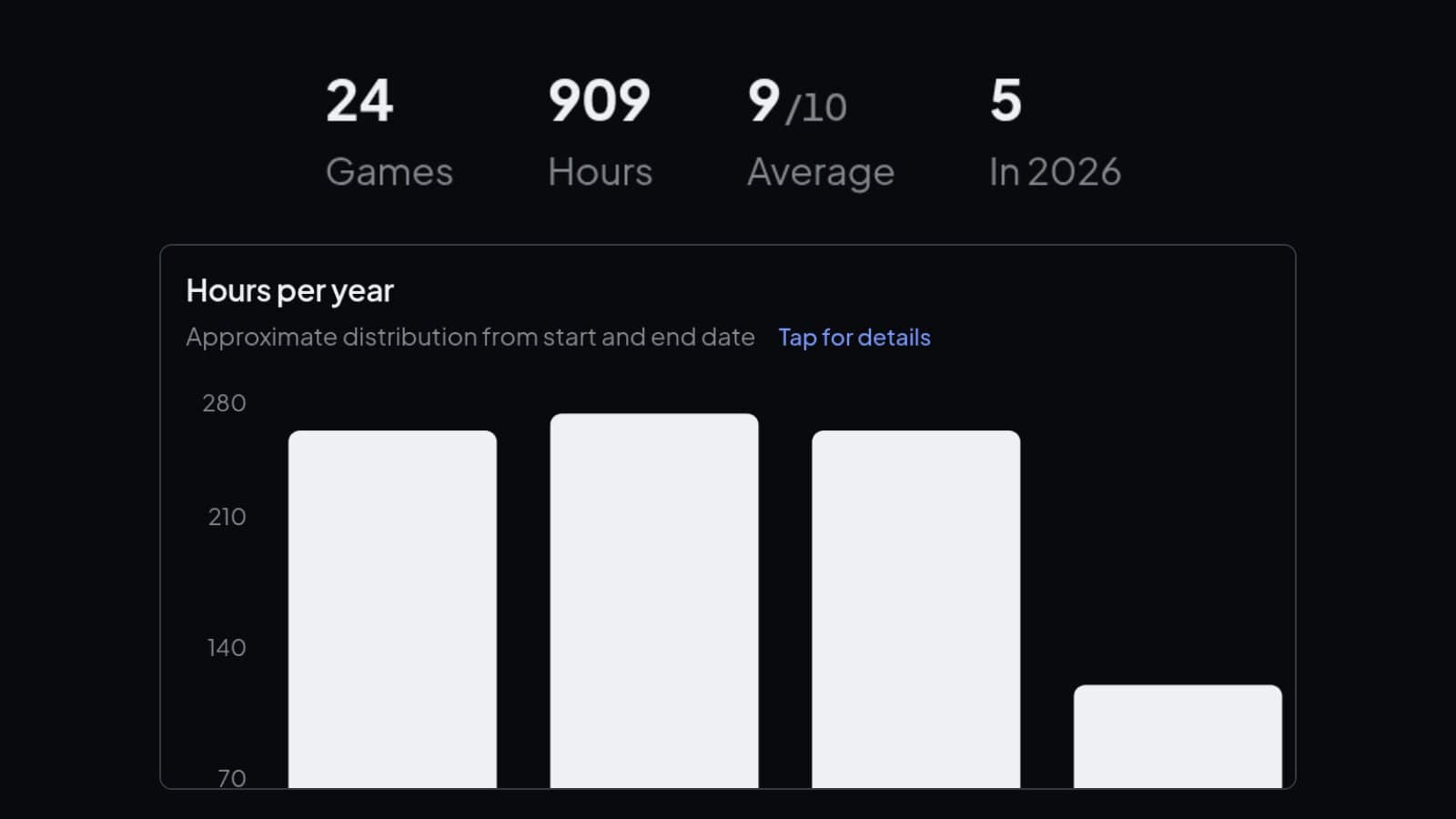
Your hours and stats come from the same entries, and so does your profile. If you play a game again, log it again: every replay gets its own entry.
Backlog, wishlist and lists
The games you have not played yet live in your Backlog and Wishlist. A game leaves the backlog by itself once you log it. You can also make your own lists, ranked or not, and make them public for anyone to see.
Start with the games you already played
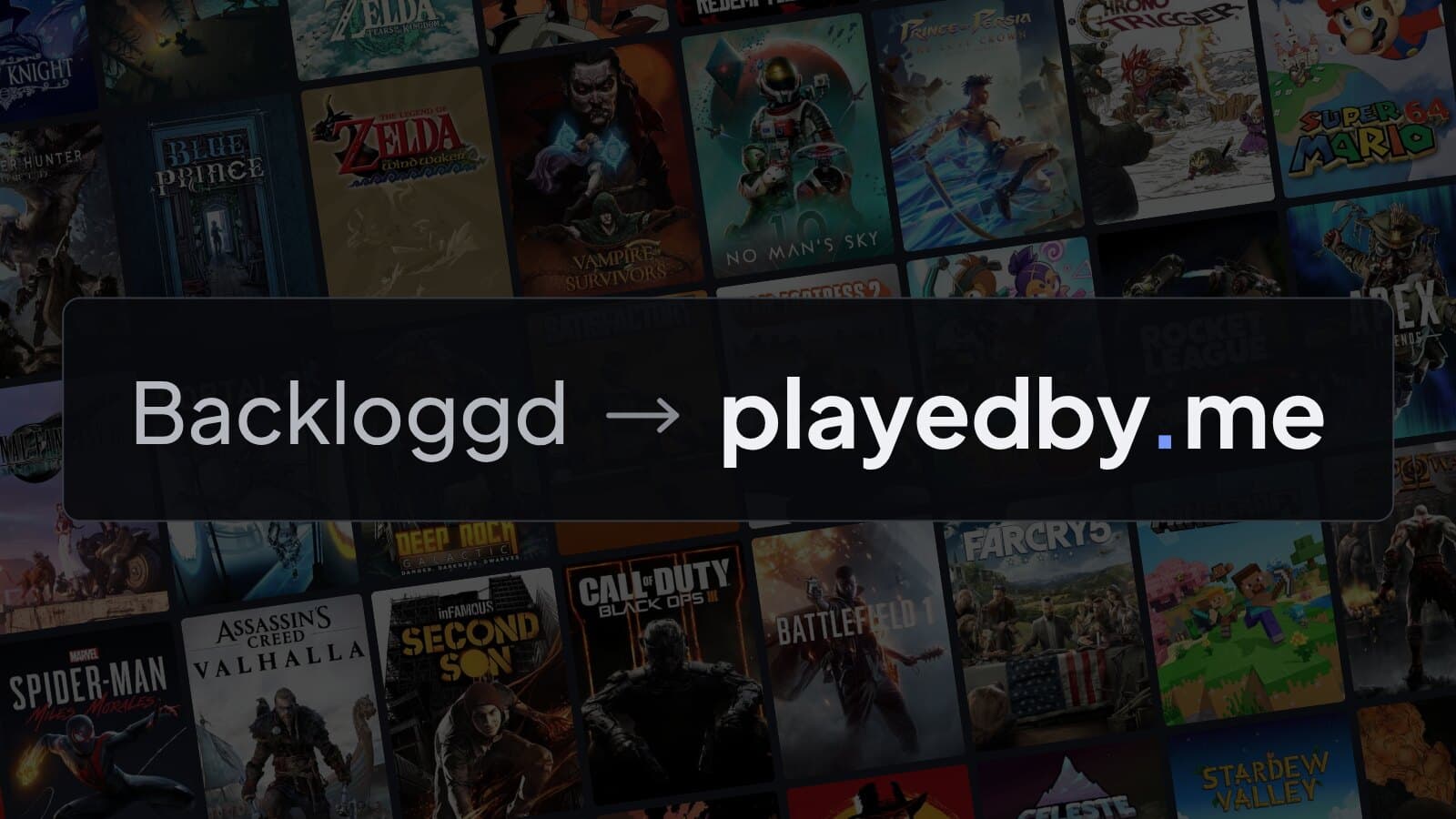
You do not have to begin with an empty journal. Import your Steam library, your PlayStation games or your RetroAchievements history, or bring a file from Backloggd, HowLongToBeat and other trackers. Then add the ratings and notes while you still remember them.
Start your journal
Free, and you can import the games you already played.