Played it twice? Log every run
Log every replay of a game as its own playthrough, with its own dates, hours, platform, rating and notes, and see all your runs of a game together.
On this page
The second time through Hades is not the first. You play it on a different platform, at a different point in your life, and you probably rate it differently. In playedby.me, every replay is its own playthrough.
Why each run deserves its own entry
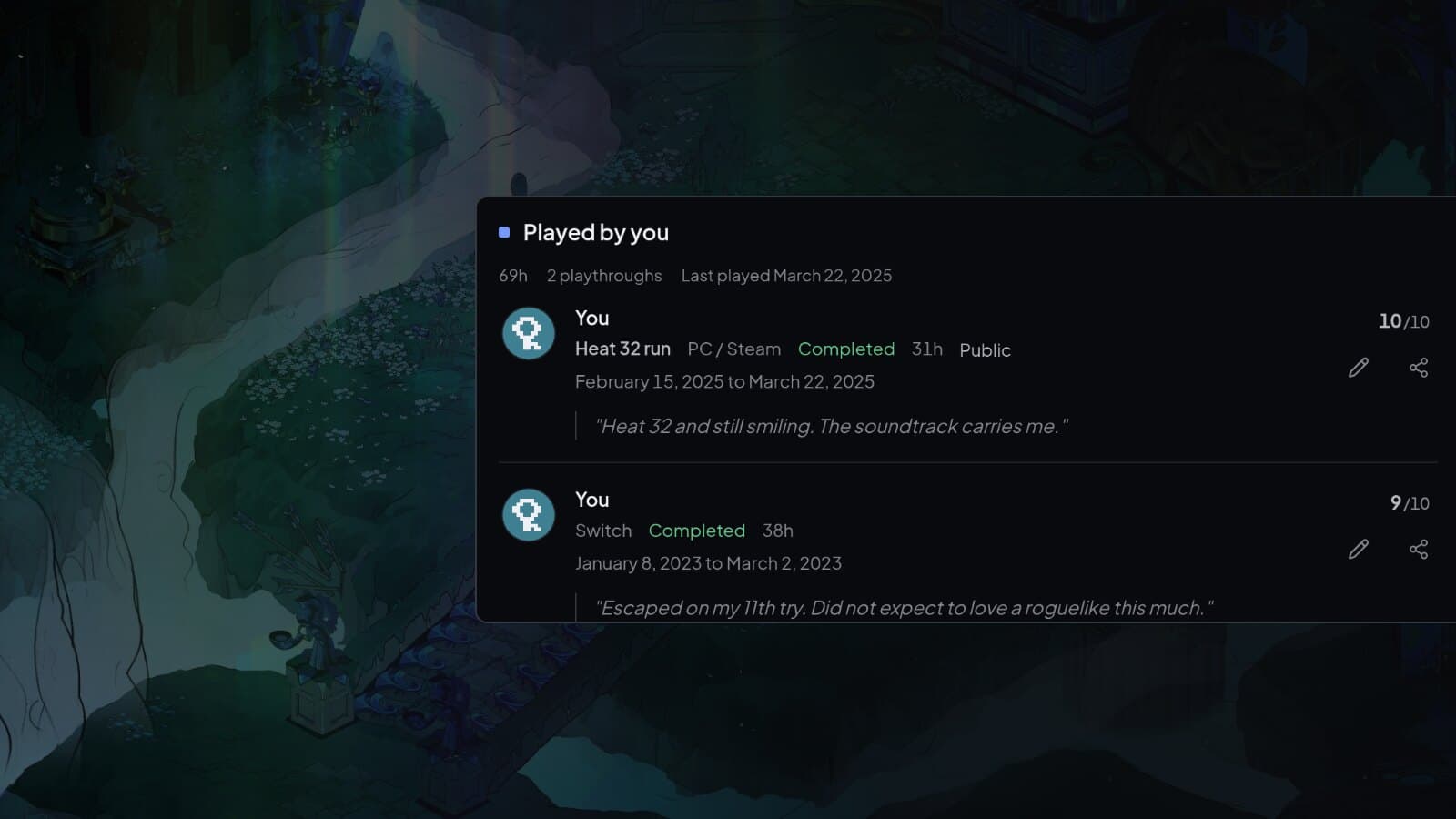
Each playthrough has its own dates, hours, platform, status, rating and notes. Nothing is overwritten when you play again, so you can see how a game held up, and how you changed. The game page shows them together, with the hours added up.
Log a replay
Open the game and select New playthrough. If you search for the game from Log instead, you get the same choice: Playing or Played starts a new run, while Edit the one you logged changes the run you already have. A new run starts on the same platform as the last one, and you can change it.
Give the run a name
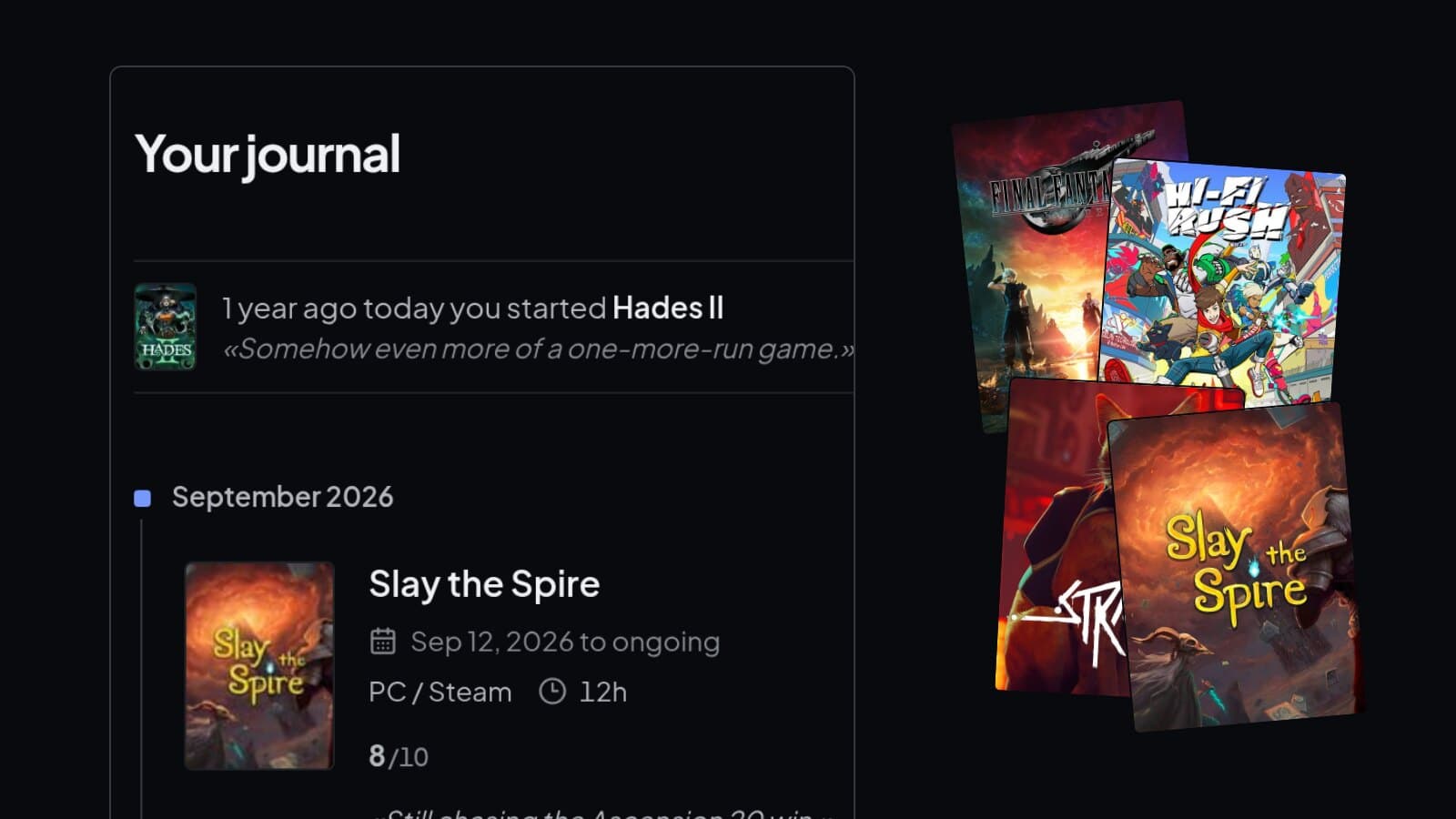
The Variant field gives a run a name, like New Game+, Hard mode or Heat 32 run. It shows next to the run on the game page and in your journal. If you played a remaster or another edition, choose it under Edition so the run gets the right cover.
Where replays show up
In your journal, each run sits in the month it ended. Your library shows the game once, with the hours from every run added together.
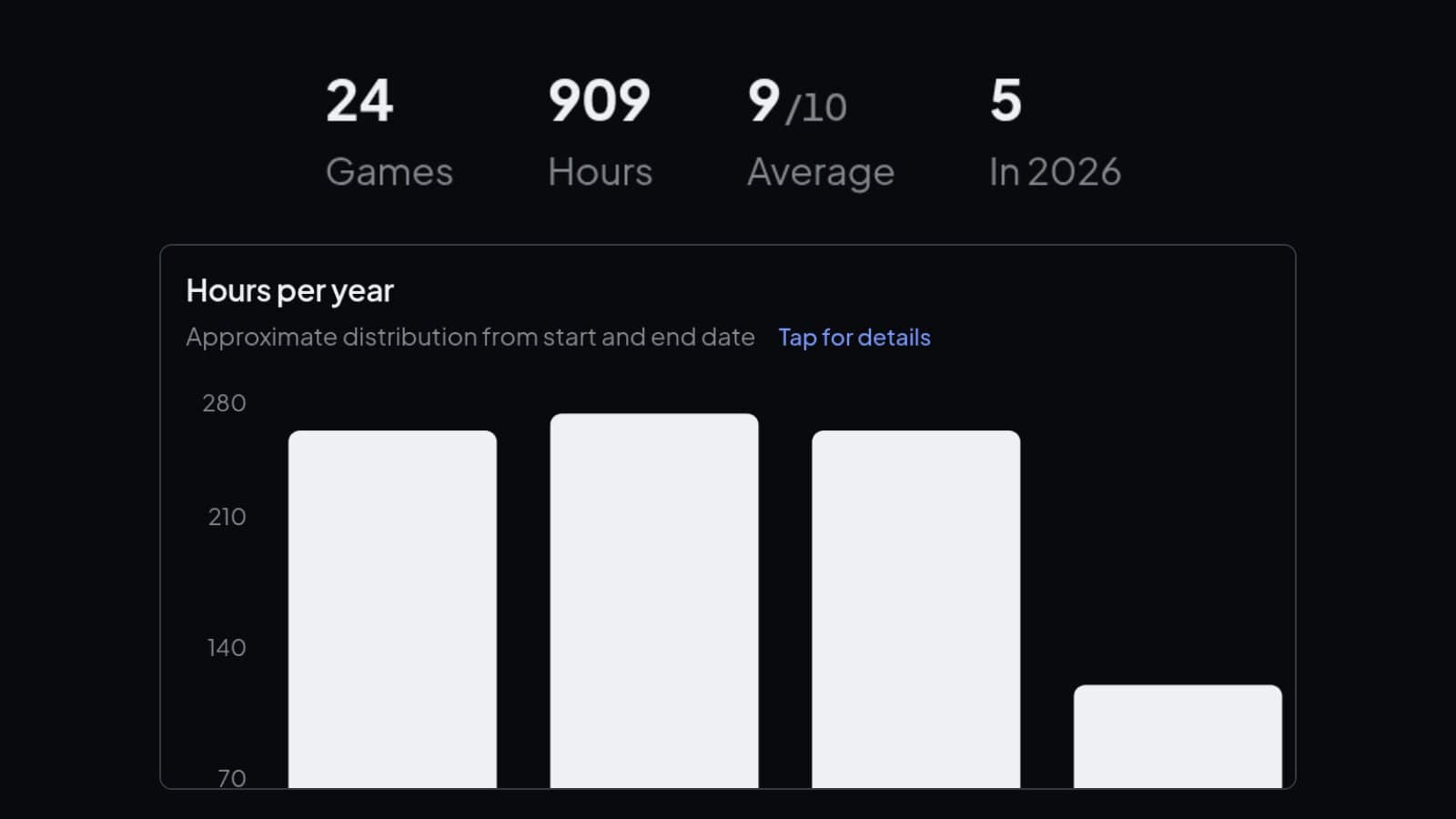
In your stats, Games counts each game once, while hours and ratings count every run. A game you rated 9 and then 10 adds both to your average. If you import from Steam, remember that Steam keeps one total per game, so split the hours between your runs if you want each one to be right.
Log every run
Your first playthrough and your fifth, side by side.