Import your Steam library, playtime included
Import your Steam library and playtime into playedby.me, then add what Steam does not know: whether you finished, what you thought and when you played.
On this page
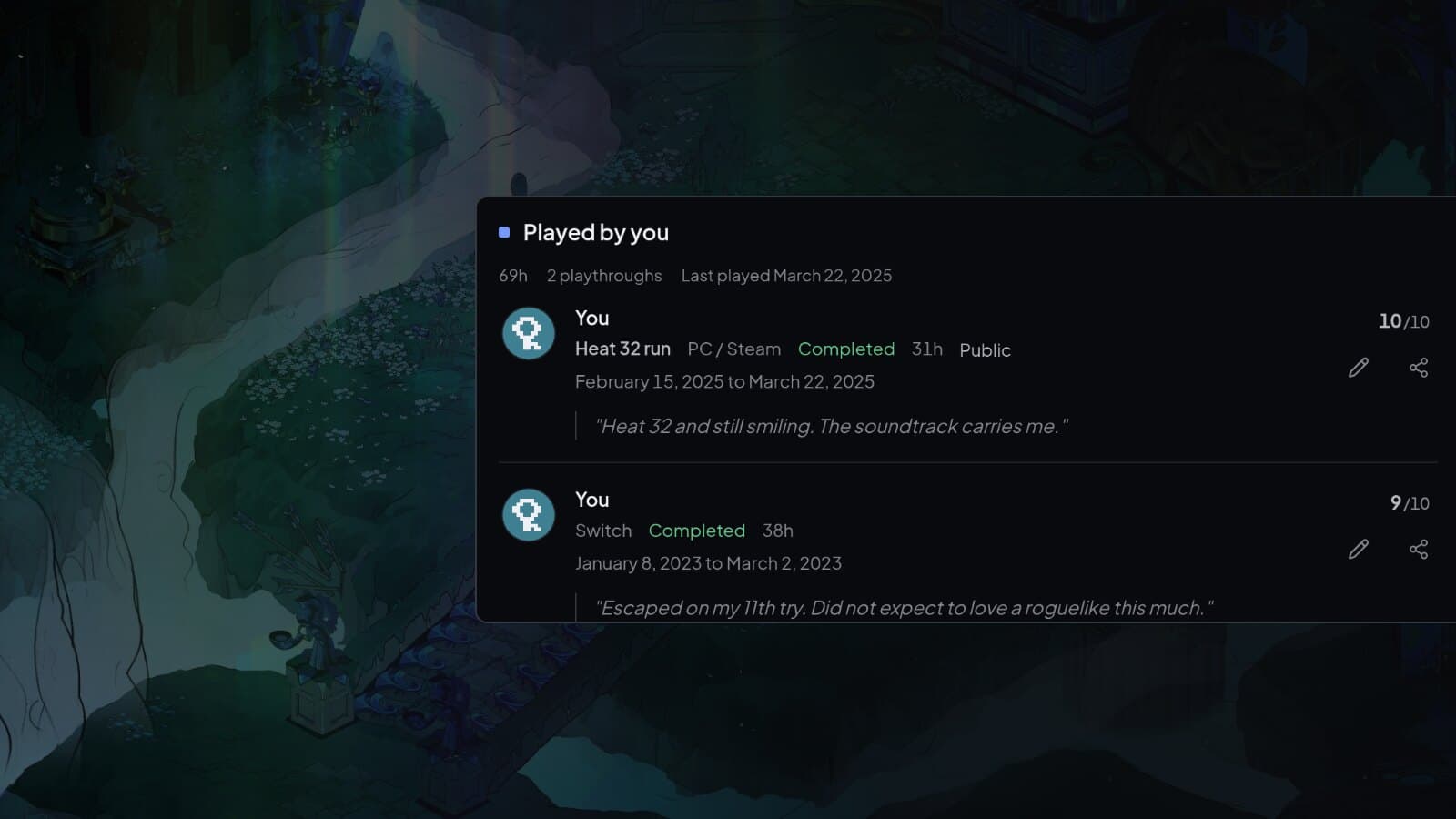
Steam knows how long you played. It does not know whether you finished, what you thought or which run was which. Importing your Steam library gives you a starting point: you choose the games, Steam supplies the hours, and you add the rest.
Step 1: Make your game details public
Steam only shares your library when both your profile and your game details are public. Set both in your Steam privacy settings. On the same page there is a separate checkbox that hides your total playtime. Leave it off, or there are no hours to import. You never need to give playedby.me your Steam password or an API key.
Step 2: Connect your account
Open Import game library and pick Steam. Log in with Steam, or paste your profile URL, SteamID64 or custom profile name. You get a quick check that it found the right account, and then the library is fetched. Nothing is saved until you have been through it.
Step 3: Pick your games
Every game is matched against the catalogue and sorted into new games, games you have already logged, uncertain matches and games that were filtered out. Untick what you do not want and fix the hours where Steam's number is off.
If a game is already in your journal, you choose which playthrough it belongs to, or start a new one if it was a replay. Your own rating, notes and hours stay as they are. Steam only fills in hours that are missing.
Steam keeps one total per game, rounded to whole hours, so every replay ends up in the same number. If you care about hours per playthrough, you will have to split them yourself.
Step 4: Import
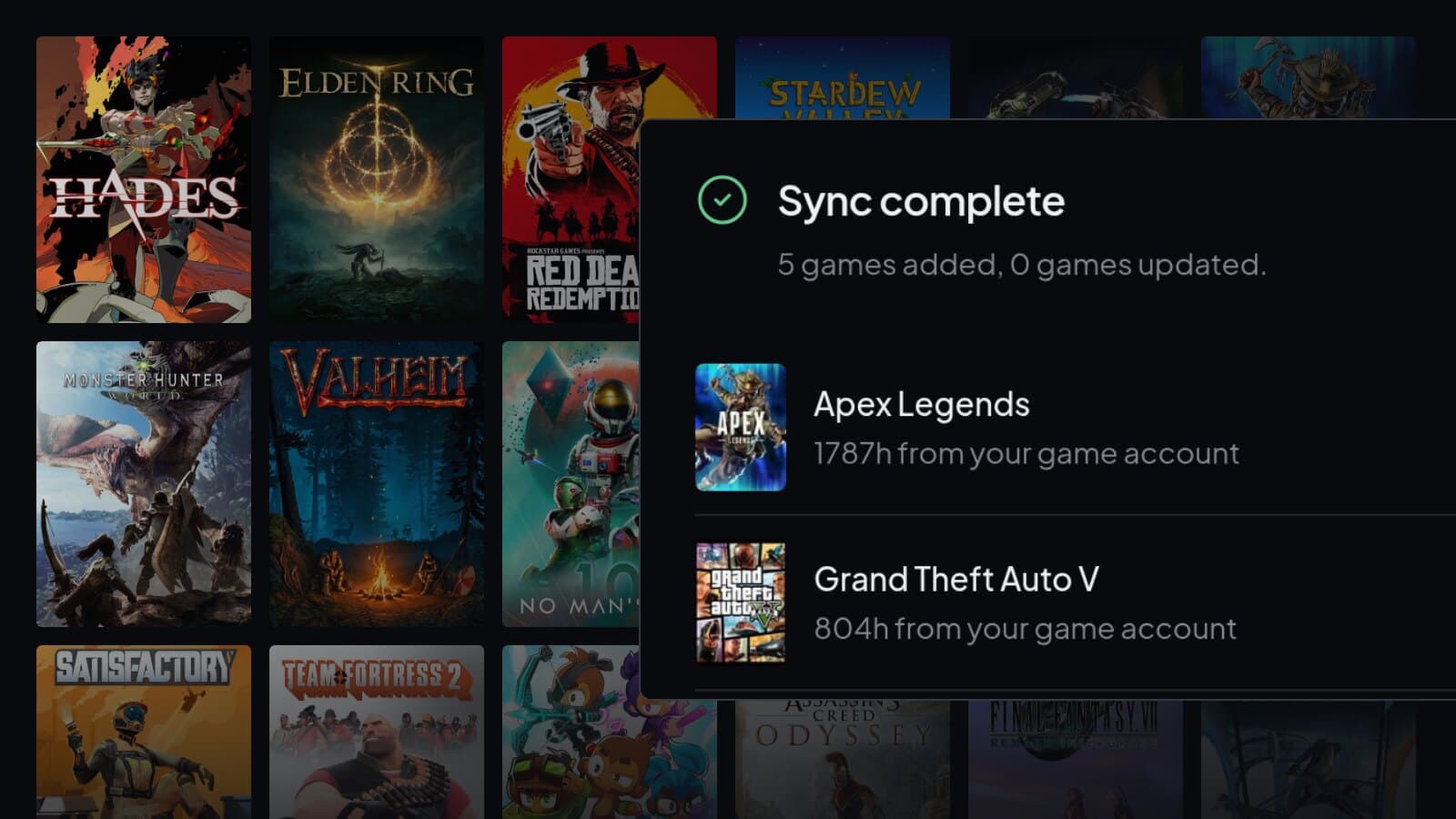
Select Import selected. The import runs in the background, so you can close the page. When it is done you get a summary, and I would go straight to Complete your game history and add ratings and notes while you still remember the games. Check the dates as well. Some are estimated from when you last played or from your achievements.
Step 5: Keep it up to date
Open Steam import again and fetch the library whenever you want new games and hours. Nothing gets duplicated. Hours on imported entries can go up, and hours you entered yourself are left alone. If you disconnect Steam, everything you imported stays.
If a game is missing
Look under Filtered out first. Games with no playtime or less than 30 minutes, demos, playtests and titles without a catalogue match end up there, with the reason next to each one. You can search the catalogue and match a game yourself.
If the library does not load at all, check the privacy settings from step 1 first. Steam can also be down now and then. You can always log a game by hand in the meantime.
Import your Steam library
A few clicks, and you choose every game.