Leaving Backloggd? Take every playthrough with you
Export your Backloggd data with Backloggd+ and import every playthrough, rating and review into playedby.me, checking each match before it is saved.
On this page
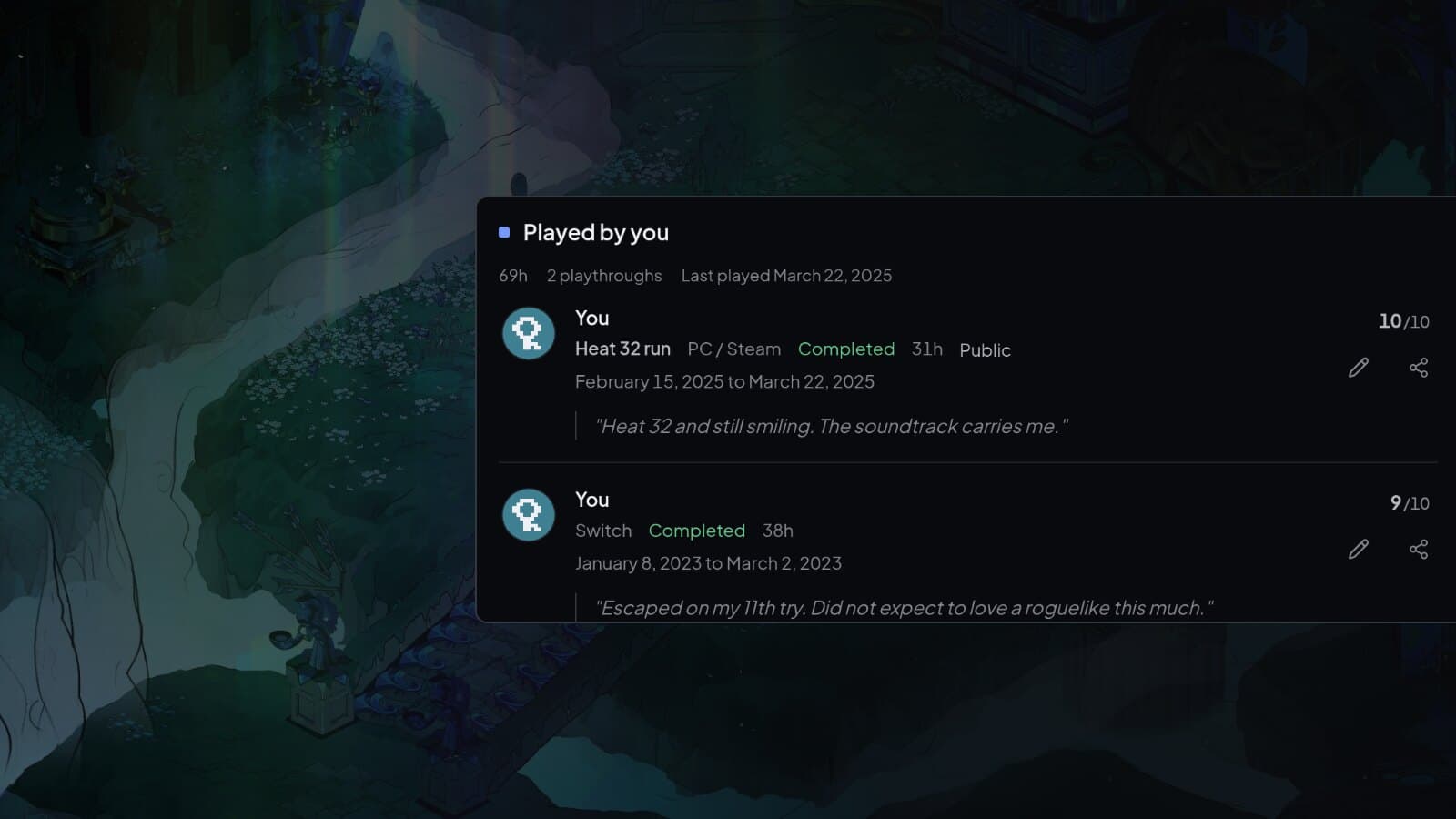
Moving from Backloggd does not mean starting over. playedby.me reads the export from Backloggd+, including every playthrough with its hours, dates, rating and review, and shows you each match before anything is saved.
Step 1: Export with Backloggd+
The export comes from Backloggd+, a browser extension for Backloggd. Install it, open Backloggd, and go to Settings and Data Management. Choose the JSON export. It includes all your playthroughs, while the CSV only has the first one for each game.
Step 2: Upload and review
Open Import from file under Settings and Data and choose the file. It is recognised as Backloggd on its own. Every game is matched against the catalogue, and you tick the ones to keep. Games with nothing logged come in unticked, so your library does not fill up with games you only added on Backloggd.
Importing the same JSON again later does not duplicate the playthroughs you already brought over.
What carries over
- Each playthrough, with hours, start and finish dates and your rating.
- Your reviews, with spoiler marking kept.
- Finished games as completed, and mastered games as 100%.
- Your backlog and wishlist.
The export has no platform, so imported playthroughs get an unknown platform. You can set it on each playthrough afterwards. For other trackers and your own spreadsheets, see the full guide to importing from a file.
Bring your Backloggd history over
You see every match before anything is saved.